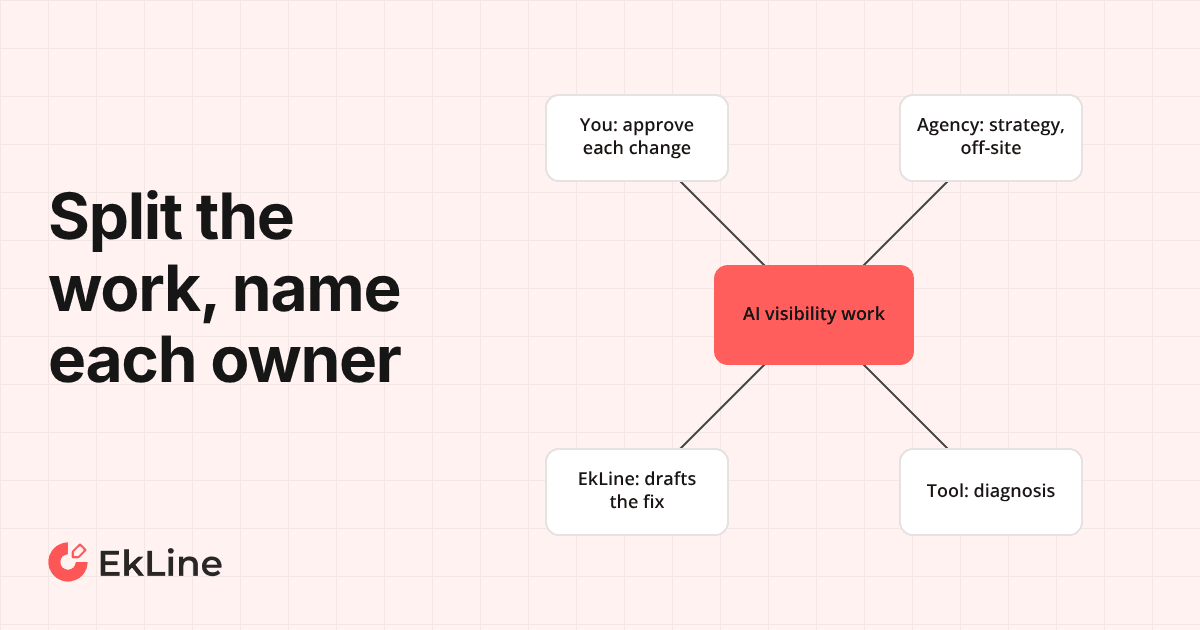
More than blog posts: the EkLine Marketing Agent now drafts battlecards, positioning and launch plans
The EkLine Marketing Agent now takes on any marketing task. It starts from the goal, reads your connected tools before the web, and drafts battlecards, positioning, launch plans, web pages and more in your company's voice.
- Written by
- Lucas Suárez (opens in a new tab)
- Published on
- Read time
- 5 min

A small marketing team at a developer-tool company owes a lot at once. Positioning needs a refresh, sales wants a battlecard, a launch is coming, and the blog still needs a post this week. A general AI tool can help with each piece, but it knows your company only from what you paste into it. So before every request, you supply what your team shipped last week, which deal you just lost, and which asset the problem needs.
The Marketing Agent now takes on any marketing task. Besides blog posts, LinkedIn posts, and newsletters, it drafts web pages, positioning, battlecards, launch plans, marketing plans, emails, scripts, decks, and press releases. Two changes make it useful beyond posts and newsletters: it starts from the goal, and it reads your own tools before it searches the web.
What is new
The agent starts from the goal. Before it writes, it works out what the work is for, who it is aimed at, where it will be published and how success is measured. It asks you a question only when two readings of your request would lead to different work. A reply that delivers new work opens with those four points, so you can see what the agent aimed at before you read the draft.
It checks your organization's connected tools, including your own MCP servers, before searching the web. According to the Marketing Agent docs, it reads your Company Profile and, where you have connected them, your documentation and code repositories through GitHub or GitLab, closed tickets in Jira or Linear, knowledge bases, and launch documents and plans in Notion, Google Drive, Confluence, or Slack. The docs add that research is read-only, and a draft never links to or names a private document.
On your own site, it writes as your company. A comparison page makes your company's case and its strongest proof within the first 120 words.
Every draft kind opens in the same editor tab, where you review and edit it.
Before and after: a lost deal
The walkthrough below is illustrative and describes no customer's results.
Before: you ask a general AI tool for a battlecard against a competitor. It writes one from what it finds on the web and what you paste in. You decide which assets the lost deals call for, and you gather the product facts each one needs.
After: you tell the Marketing Agent We keep losing deals to <competitor>. It states the objective, audience, destination and success measure it worked to. It checks your connected tools before the web. Then it drafts the deliverables it judges the goal needs, for example a battlecard and a change to your comparison page. Each one opens as a draft you review and edit in the editor, and you decide what to publish.
"We already use ChatGPT for this"
That objection holds up on drafting. A Rework guide, updated May 2026, says: "Initial battlecard generation is the easy part. Any LLM with access to a competitor's website and recent G2 reviews can produce a reasonable first draft in minutes." If you already have a current product-facts sheet and you know which asset you need, a well-written prompt gets you a first draft.
The work that remains is the inputs and the decision. A Kompyte guide to battlecards with ChatGPT warns that the output can be too generic, and that you may need to add context to the name of a less well-known company. Jasper's Battle Cards agent asks for the same packet. It asks you to "Provide a list of competitors, your product facts and pricing guidelines, positioning statements, relevant assets in your Knowledge Base, and any objections or claims you want addressed."
A general AI tool knows your company only from what you paste. The Marketing Agent settles the goal first, reads the pull requests, tickets and plans already in your connected tools, and decides which deliverable the goal needs. For a small team, that leaves fewer facts to gather by hand, because the agent starts from what your connected tools already hold.
Will it overclaim, or publish for you?
A comparison page that makes your case still has to be true. After drafting, every blog post and every draft that names your product goes through a claims check. The check marks each claim sourced, unsourced, contradicted or overstated. The agent cuts an unsourced claim or rewrites it without the number, and narrows an overstated claim to what the source shows.
The agent drafts, and you decide what goes out. It does not post, send, or publish on its own. It publishes only when you ask it to and name the destination, such as a pull request to your documentation repository. It does not publish to Webflow or any other CMS.
FAQ
Blog posts, LinkedIn posts and newsletters, and now web pages, positioning, battlecards, launch plans, marketing plans, emails, scripts, decks and press releases. The full list is in the EkLine changelog.
Your Company Profile and, where you have connected them, your documentation and code repositories, closed tickets in Jira or Linear, knowledge bases, and launch documents and plans in Notion, Google Drive, Confluence or Slack. It checks your connected tools before it searches the web.
No. It publishes only when you ask it to and name the destination, such as a pull request to your documentation repository. It does not post or send for you, and it does not publish to Webflow or any other CMS.
Try it on one real task
Any member of your organization can start a Marketing Agent session. Pick something you owe this month that is not a blog post. Sign up and start a Marketing Agent session with one real task, such as We keep losing deals to <competitor>, and check the four points it opens with. The full list of new draft kinds is in the EkLine changelog.