Why the best open-source projects treat docs like code
We ran documentation quality tools against 8 open-source repos. The results show exactly what separates good docs from abandoned ones.
- Written by
- Evan Shamoon (opens in a new tab)
- Published on
- Read time
- 6 min

We ran five documentation analysis tools against eight open-source repositories last week. Not a survey. Not opinions. Automated analysis of real docs in real repos.
The results tell a clear story: the projects with the best contributor experience are the ones that treat documentation with the same rigor as code.
The experiment
We built a set of documentation quality skills and tested them against repos of different sizes, languages, and doc structures:
| Repo | Language | Doc files | Links found | Broken links |
|---|---|---|---|---|
| Stripe Node SDK | TypeScript | 8 | 848 | 0 |
| Express | JavaScript | 4 | 143 | 1 |
| Fastify | Node.js | 42 | 1,636 | 59 |
| Hoppscotch | Vue/TS | 28 | 139 | 3 |
| FastAPI | Python | 100+ | 613 | 132 |
| RedwoodJS | JavaScript | 100+ | 1,426 | 103 |
| EkLine | TypeScript | 24 | 101 | 0 |
Stripe Node SDK: 848 links, zero broken. That is not an accident. That is a team that checks their docs the same way they check their code.
FastAPI: 132 broken links across 100+ doc files. FastAPI has excellent content, but cross-document references have drifted as the docs grew.
RedwoodJS: 103 broken links. Many are anchor mismatches, headings that were renamed without updating the links that point to them.
What "docs like code" actually means
The phrase gets used loosely. Here is what it means in practice, based on what we saw across these repos.
1. Docs live in the same repo as code
Every project we tested keeps documentation in the same repository as the source code. Not a separate wiki. Not a Notion page. Same repo, same PR workflow, same review process.
This matters because when docs and code live apart, they drift apart. A developer changes a function signature in src/auth.ts and has no reason to check if docs/authentication.md references it.
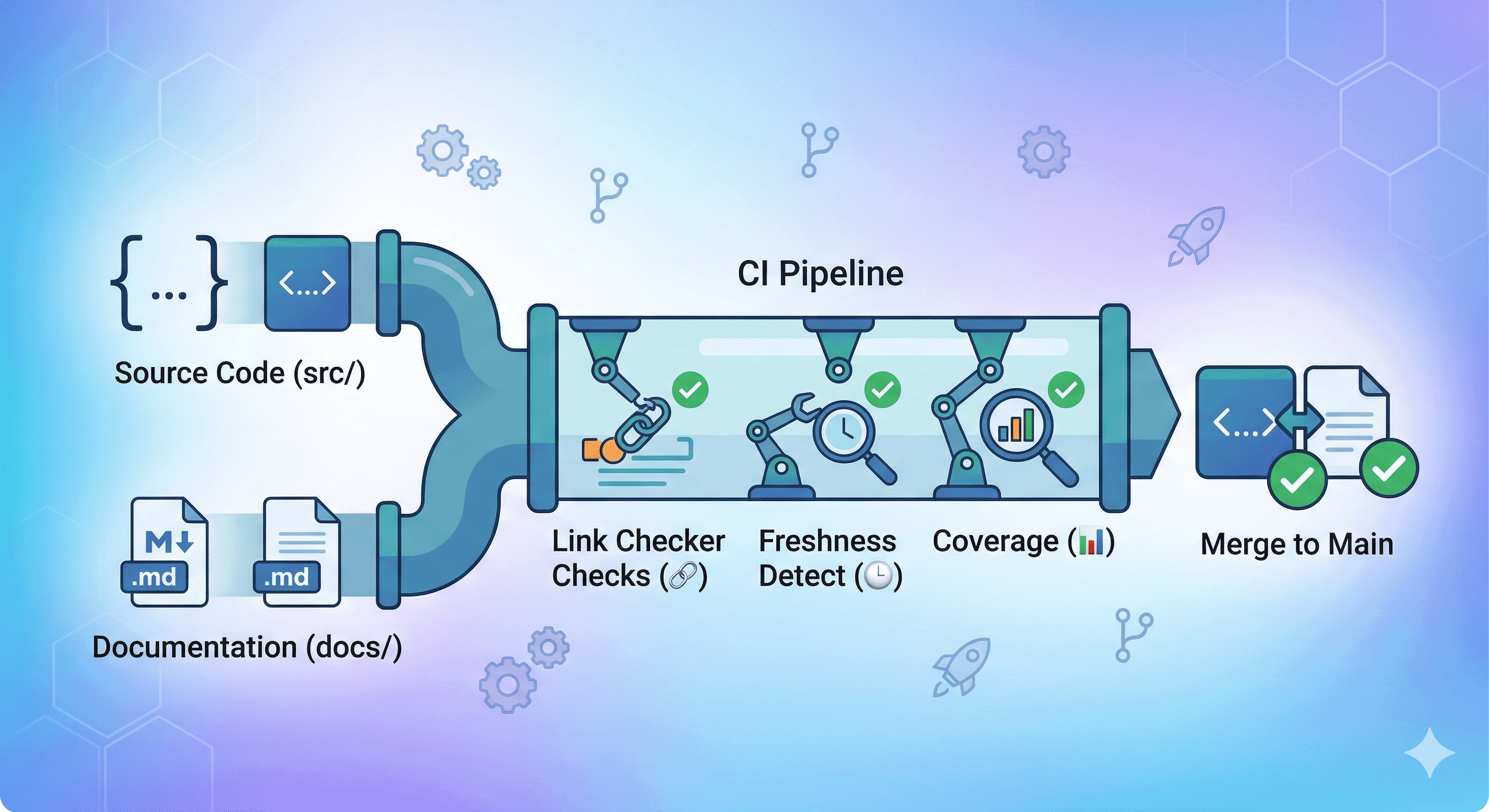
When they are in the same repo, a single PR can update both. The reviewer sees both changes together. The CI pipeline can check both.
2. Links get checked automatically
The difference between Stripe's 0 broken links and FastAPI's 132 is not that Stripe's team is more careful. It is that broken links get caught before they merge.
The types of broken links we found:
Anchor drift: A heading gets renamed from "## Setup instructions" to "## Setup" but the link #setup-instructions elsewhere in the docs is not updated. We found this in Fastify (59 instances in Ecosystem.md alone) and RedwoodJS.
Cross-doc references: [authentication guide](./auth.md) stops working when auth.md gets renamed to authentication.md. FastAPI had 132 of these.
Orphaned pages: Documentation files that exist but are not linked from any other page. We found 19 orphaned pages in one project. Content that is effectively invisible to readers.
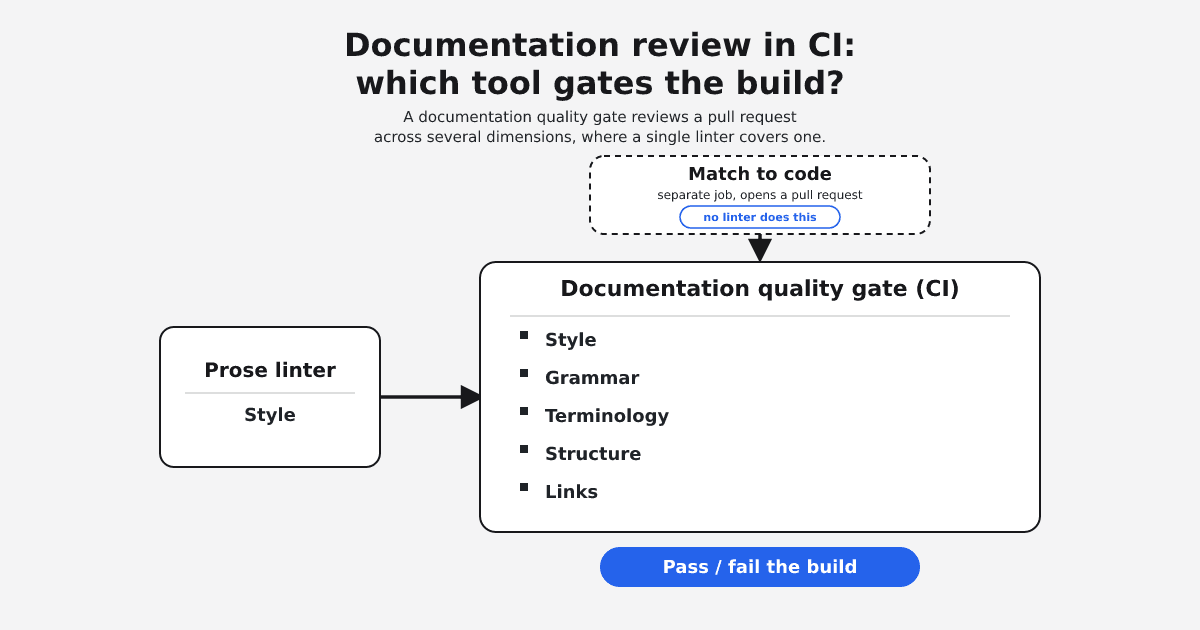
A link checker in CI catches all of these before they reach users.
3. Docs freshness is tracked
When code changes, which documentation pages are now stale?
We analyzed recent code changes against documentation files and found:
- Fastify: 2 stale docs, 2 likely stale. The
Headerssymbol was modified in test files, and docs referencing it had not been updated. - Stripe Node SDK: 1 stale doc. A recent code change affected a documented API.
The projects with zero stale docs were not the ones with less activity. They were the ones where documentation updates happen in the same PR as code changes.
4. Coverage is measured, not assumed
We scanned the public API surface of each project and checked if documentation existed:
| Repo | Public API items | Documented | Coverage |
|---|---|---|---|
| Express | 39 | 15 | 38% |
| FastAPI | 230 (all items) | 85 | 37% |
| Stripe Node | 181 | 66 | 36% |
| Fastify | 12 | 3 | 25% |
| Hoppscotch | 334 | 6 | 2% |
FastAPI stands out here. The 37% overall coverage includes all 230 public items (endpoints, internal functions, utilities). But when you break it down, 84% of their user-facing API endpoints are documented, compared to only 5% of internal functions. They document what matters to users and do not waste effort on internals. That is a deliberate coverage strategy, not a gap.
Hoppscotch at 2% is expected. Their docs are user-facing product docs, not API reference. The tool correctly classified this as "product docs" and noted that low coverage is normal for that docs type.
The open-source contributor problem
GitHub's Open Source Survey found that 93% of respondents said incomplete or outdated documentation is a pervasive problem. 60% said they rarely or never contribute to documentation.
This creates a cycle: contributors do not update docs because docs are already out of date, so docs fall further behind, so fewer people bother.
The projects that break this cycle are the ones that make documentation a first-class part of the contribution workflow:
- PRs that change public APIs require a corresponding docs update
- CI checks catch broken links and stale references before merge
- Documentation coverage is visible, so teams know where the gaps are
What you can check today
If you maintain an open-source project, run these checks against your docs. Each one maps directly to a tool you can add to CI in under 10 minutes.
Broken links: How many internal links point to files or anchors that do not exist? If the number is above zero, a reader will hit a dead end. Run a link checker against your docs/ directory and fix every broken reference before your next release.
Orphaned pages: How many documentation files are not linked from any other page? These are invisible to anyone navigating your docs. A docs coverage scan reveals pages that exist but have no inbound links. Either link them from the right place or remove them.
Stale references: Which documentation pages reference functions, endpoints, or config options that have changed in recent commits? Compare your recent git history against docs files to find pages that have not been updated since the code they describe was modified.
Coverage: What percentage of your exported functions, classes, and endpoints have corresponding documentation? Scan your public API surface and check if each exported symbol has a matching entry in your docs.
These are not opinions about writing quality. They are measurable, automatable checks that tell you the structural health of your docs.
Adding docs CI to your project
Here is a GitHub Actions workflow that runs link checking on every PR that touches documentation:
This catches broken links before they merge. It adds less than 30 seconds to your CI pipeline and prevents the kind of link rot we found in Fastify (59 broken links in a single file) and FastAPI (132 across the project).
For stale reference detection and coverage analysis, you need tools that understand the relationship between your code and your docs. That is what we built.
The tools
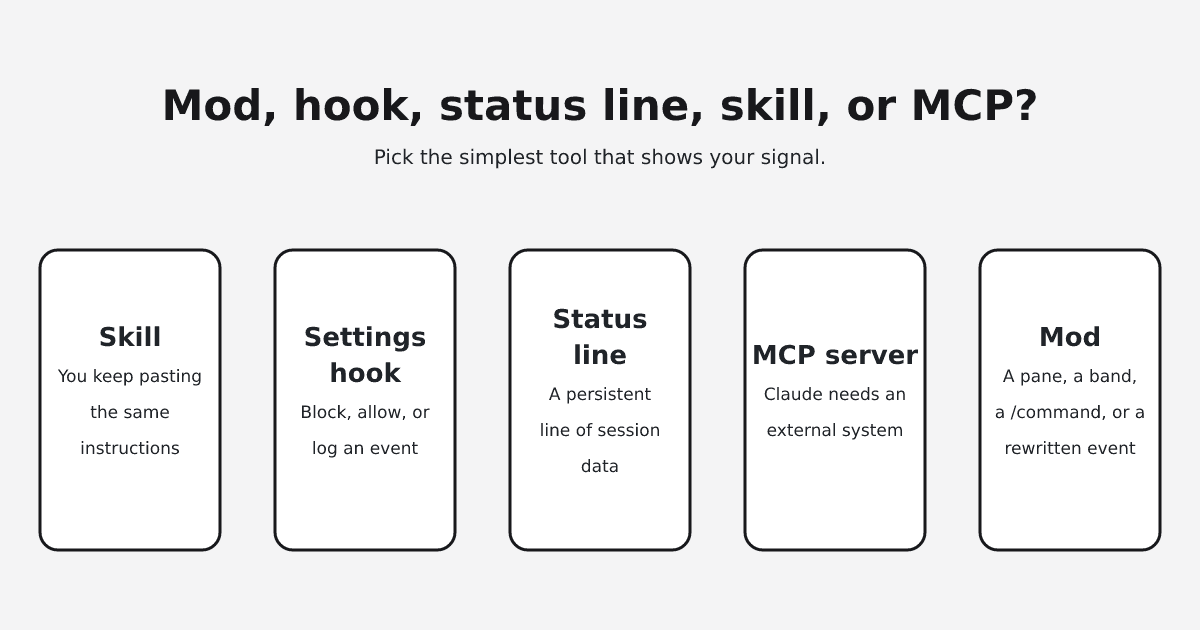
We open-sourced the documentation analysis tools we used for this experiment as Claude Code skills:
- check-links: scans docs for broken internal links, missing anchors, and orphaned pages
- docs-freshness: compares code changes against docs to find stale references
- docs-coverage: measures what percentage of your public API is documented
- changelog: generates structured changelogs from git history
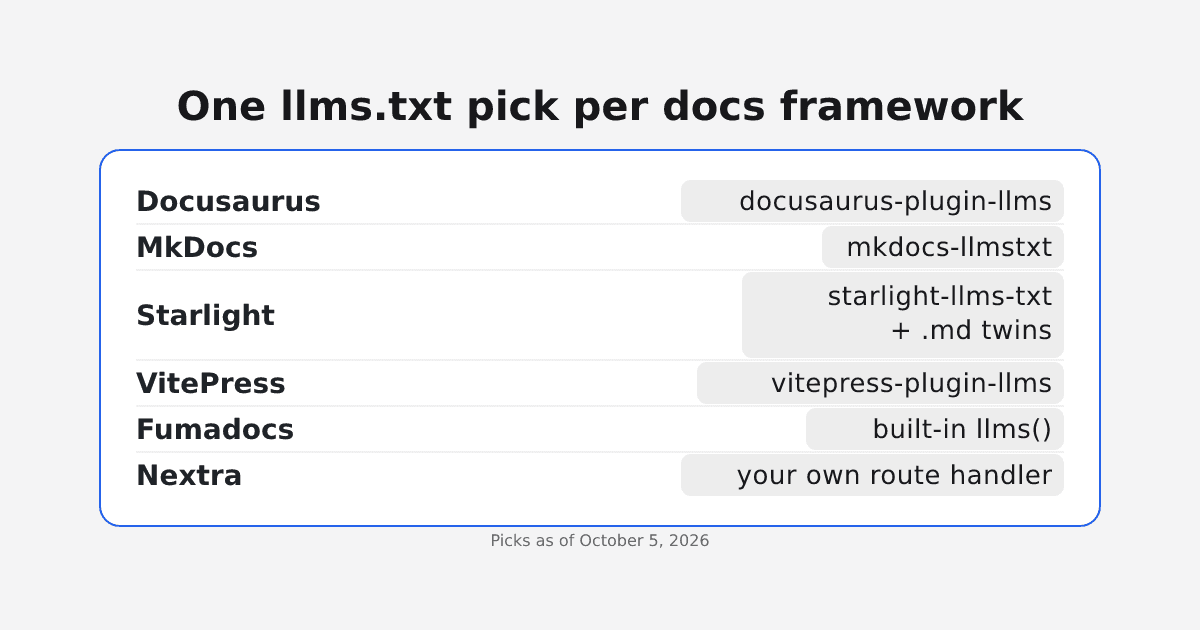
- llms-txt: generates an llms.txt file for LLM discoverability
They are at github.com/ekline-io/ekline-docs-skills. MIT licensed. Each skill is backed by a Python script that does the analysis deterministically. No prompt engineering, no LLM interpretation of your docs.
The documentation quality gap in open source is structural, not cultural. The projects that close it are the ones that automate the checks. If your project has more than 20 documentation files and no CI for docs, you have broken links. You just do not know which ones yet.